
Customize the Buy Now button
The Buy Now button is what customers click to open your COD order form. You can change everything about it, from text and icon to color and size.
How to customize the Buy Now button
Section titled “How to customize the Buy Now button”Step 1: Open Form Builder → Appearance → Buy Button.
Step 2: Change the settings you want. Every change shows up right away in the live preview.
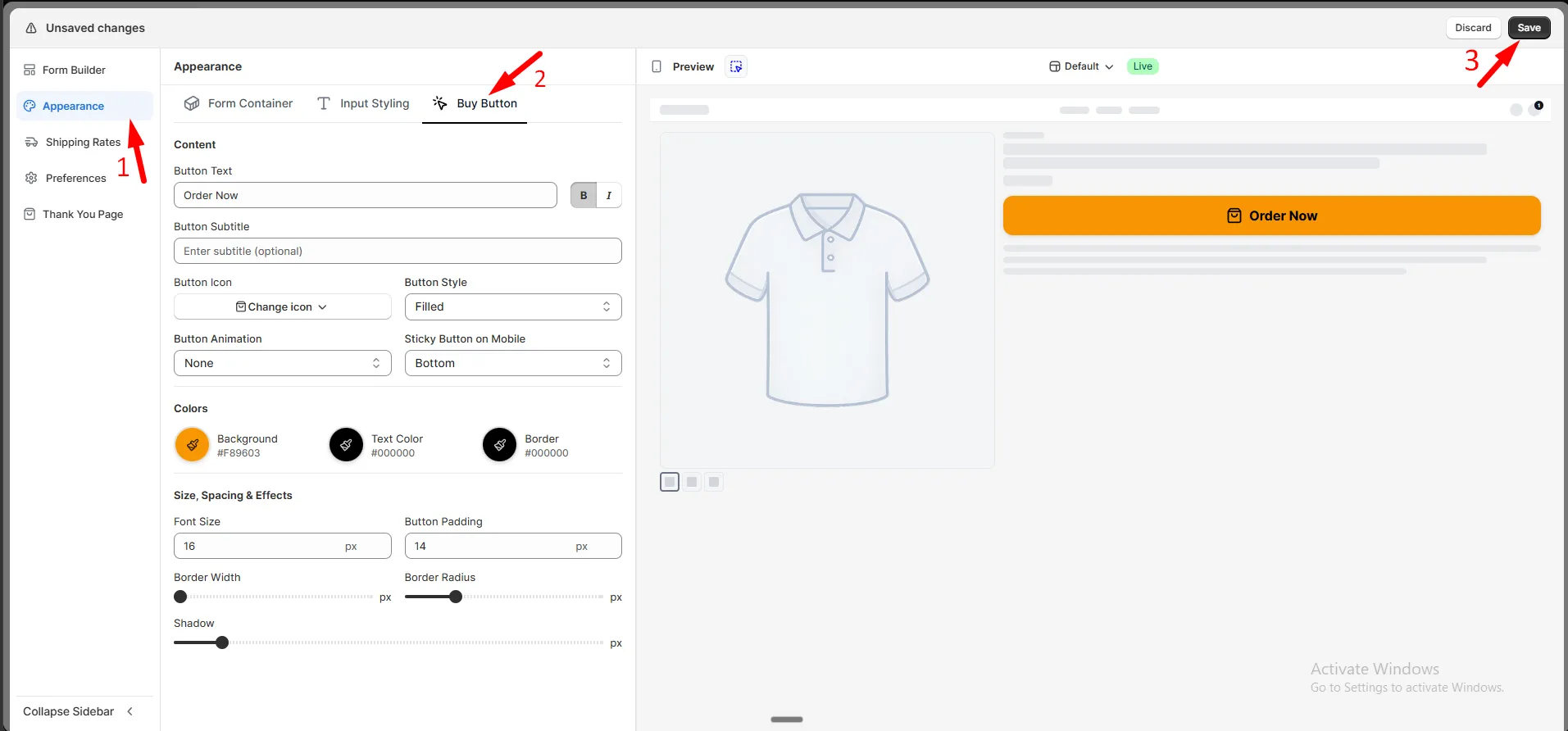
Step 3: Click Save.